
Pocketmind 2.0.
A private AI chat that runs on the phone.
Pocketmind is a Flutter app for Android and iOS that runs a small open-weight language model directly on the phone. There is no AI server, no API key and no user account, and what the user writes never leaves the device. An optional operator console sets the model catalog, features, texts, ads and the Pro paywall. These pages take you from the download to a store build, one step at a time.
01AI disclosure
AI tools were used to assist with parts of the code, documentation and graphics of this item. The app runs open-weight AI models on the user's device; AI can make mistakes.
AI coding assistants were used on the Flutter app, the native bridge, the operator console, these pages and the preview graphics, under the author's direction; the author reviewed and tested the result before release.
02Third-party services and models
The AI models are not in the download (they are 60 MB to 1.3 GB each). The app downloads them from Hugging Face (huggingface.co), a third-party service, the first time the user picks one. Each model has its own licence; the default catalog only lists models whose licence allows commercial use (Apache-2.0 or MIT). See Models and Credits.
Optional services you may switch on yourself: Google AdMob (ads), Google Play Billing and Apple In-App Purchase (Pro). Each is off by default and is used under your own account.
03What you get
| Folder | What it is | Where it runs |
|---|---|---|
app/ | The Flutter app: on-device chat, questions about PDFs and photos, dictation and read-aloud, model manager, conversation history, privacy screen, app lock, optional ads and Pro. | Android 8.0+ and iOS 16+, 64-bit ARM |
app/packages/pocket_llm/ | The native bridge: llama.cpp (chat), mtmd (photos) and whisper.cpp (voice), compiled from source into the app. | Inside the app |
admin/ | The optional operator console (MIKODES Admin Kit). It serves the app's settings at GET /v1/config. | Any Node 22 host you choose |
docs/CONTRACT.md | The config format the app and the console share. | Reference |
The AI runs on your users' phones, so there is no per-message bill. You pay only for what you choose: a store developer account, and a small server if you use the console.
Paths in these pages are relative to the source/ folder of the download.
04Where to start
05Screens
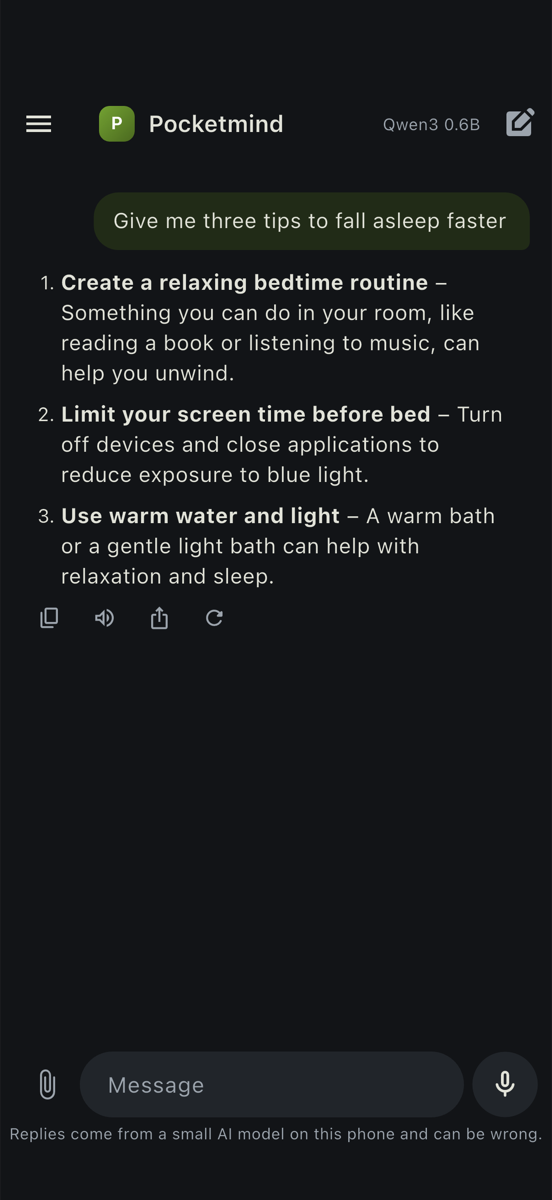
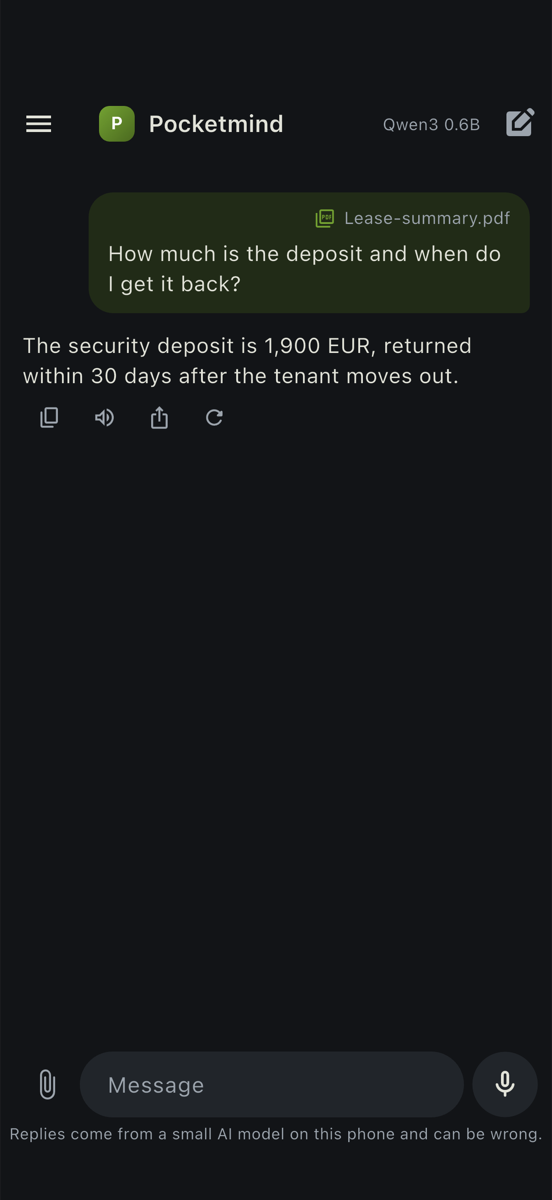
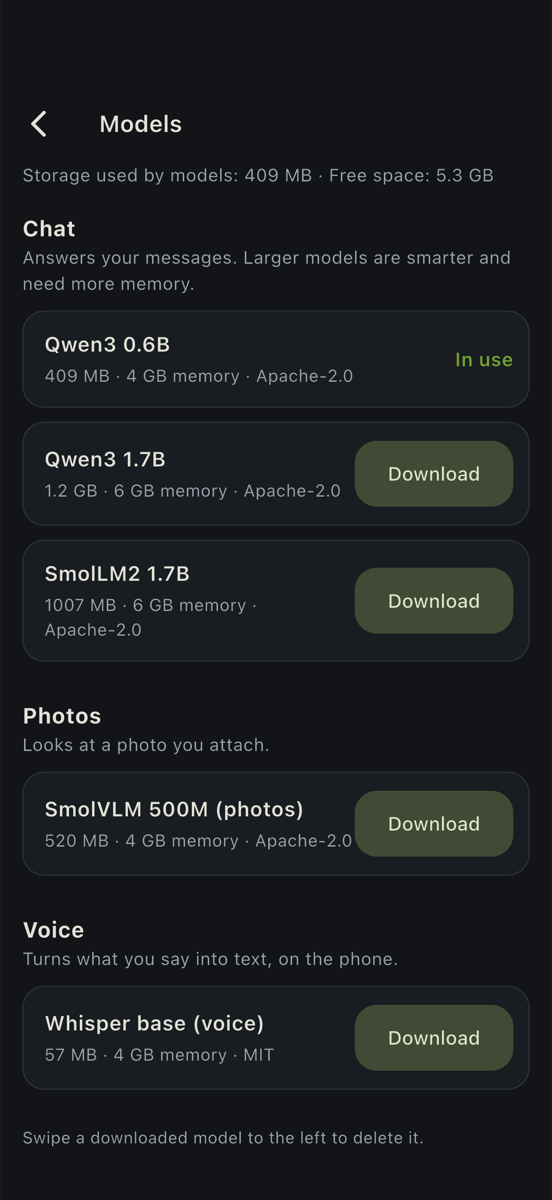
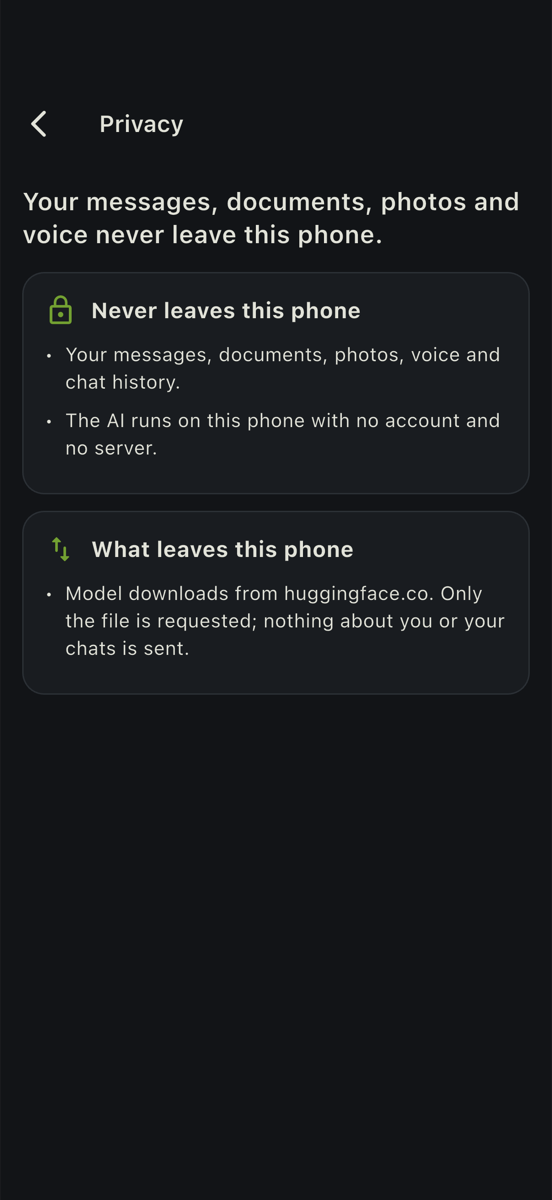
Real screens from the iOS simulator with Qwen3 0.6B; the replies are what the model produced.
06Features
- Streaming chat with Markdown, stop, regenerate, edit and resend, copy, share.
- Assistant styles (system prompts) set in the console.
- Ask about a PDF: the text is read on the phone, split into passages, and the best passages for each question are given to the model (BM25 search). Scanned PDFs without a text layer are reported, not guessed.
- Ask about a photo with a small vision model (SmolVLM).
- Hold-to-talk dictation transcribed on the phone (whisper.cpp); read-aloud with the phone's own voice.
- Model manager: download with pause and resume, sha256 check, free space and memory check, delete, switch.
- Conversation history with search, rename, delete, export; delete all data.
- Privacy screen built from the live configuration; network allowlist in code; optional Face ID / fingerprint lock.
- Optional AdMob banner and interstitials, optional Pro subscription or lifetime purchase; both off by default.
- Operator console: features (free / pro / off), model catalog, assistant styles, texts, ads, paywall, branding, legal links; roles, audit log, history.